Start with everyday use
Will people make short phone calls or join longer video meetings? Do they need a laptop surface and a seat? Who will use the booth, and what accessibility requirements apply? These answers guide the size and equipment you need.
Measure more than the floor space
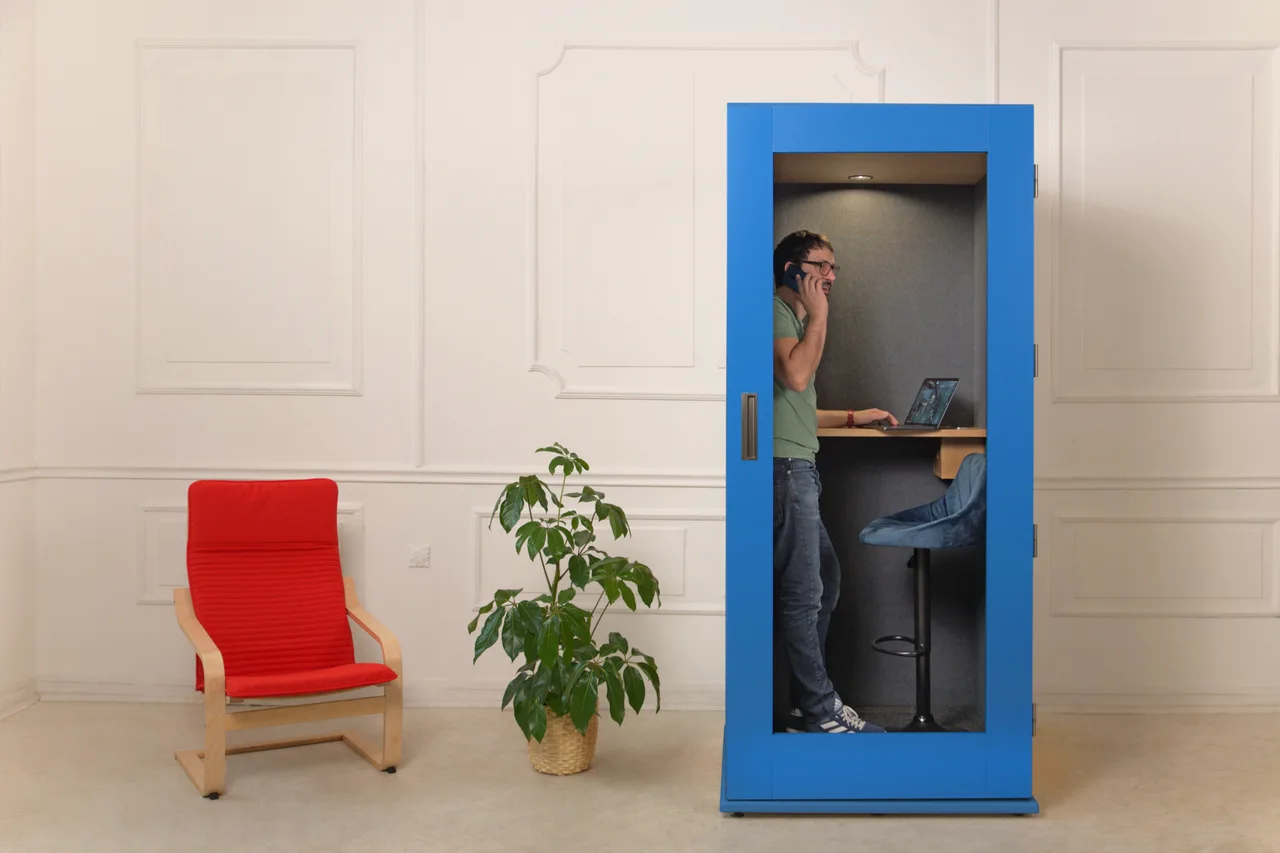
Check ceiling height, the door swing and the required clearance around the booth. Consider the delivery route through entrances, stairs, lifts and internal doorways. Ask the supplier what needs to be ready before installation.
Ask for specific acoustic documentation
Words such as “quiet” and “soundproof” are not sufficient for a comparison. Request a test report or documentation for the exact model, including the test method. Compare values measured on a comparable basis. Do not assume every booth guarantees confidentiality for every conversation.
Check comfort from the inside
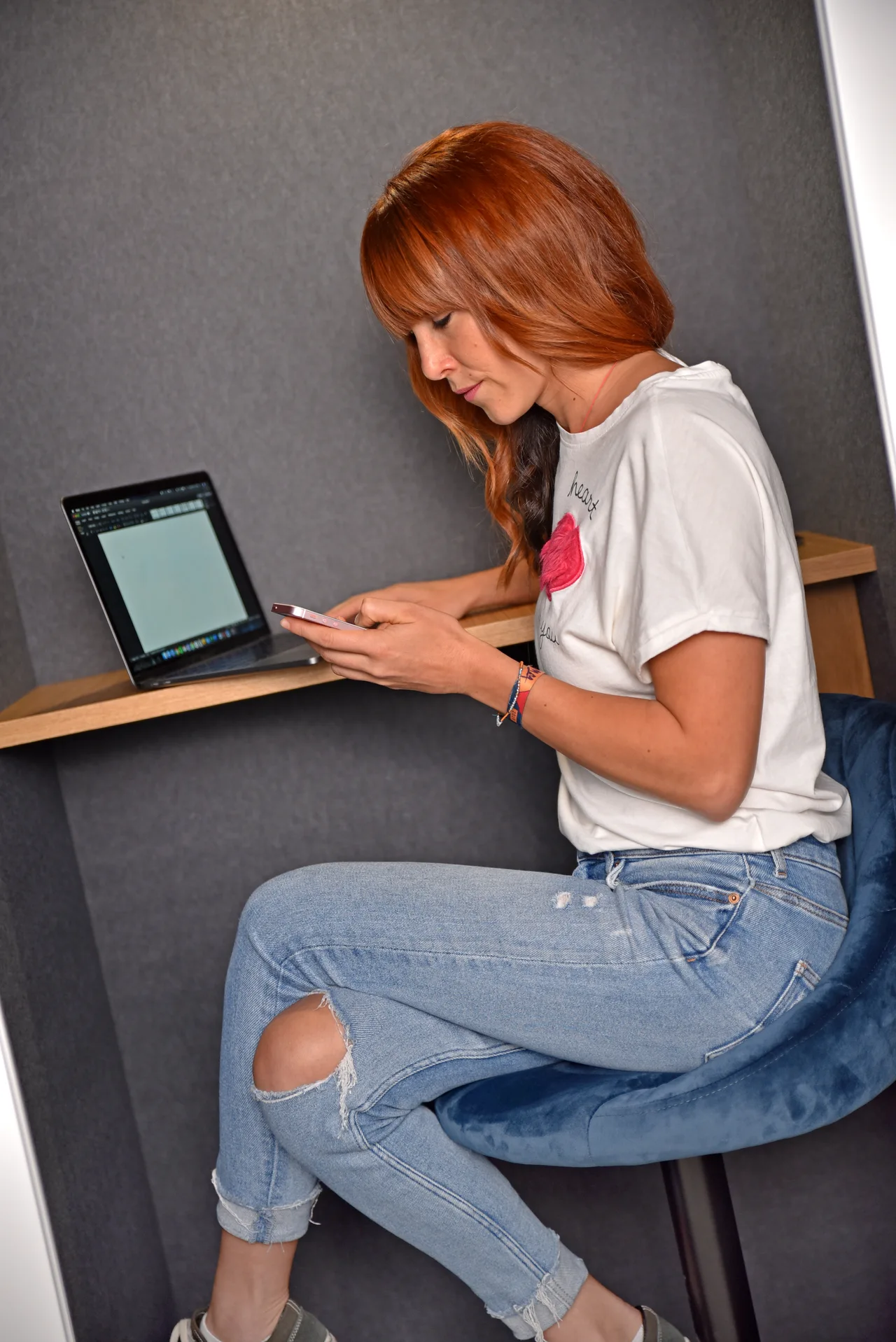
Ask about ventilation, lighting, power connections and controls. If a demonstration is available, try an actual video meeting with your laptop. Consider posture, the work surface, lighting on your face and comfort beyond the first few minutes.
Understand the full quotation
Are delivery and installation included? What warranty and service arrangements apply? Are cleaning and maintenance instructions provided? Can the booth be moved when the office changes, and under what conditions? Record the answers so that you can compare the full proposals.
Choose beyond the photograph
Colour and shape matter to the interior, but everyday use comes first. Share the dimensions of the available space and a brief description of your team’s work. This makes your requirements the starting point for selecting a booth.